Lenders can use a follow-up to request that borrowers connect to their payroll provider for income verification using Truework's Credentials verification method.
- Requesting VOIE via Follow-up
- Borrower experience with completing the VOIE Follow-up
- W-2 and Paystubs with Blend Income
Requesting VOIE via Follow-up
The VOIE follow-up will ask your applicant to log into their payroll provider to receive verified income/employment information. This allows loan teams to utilize the Credentials method in the following use cases:
- Post-submit loans where the borrower skips this step
- Loans that are initiated in the lender application
- Follow-up only loans
Follow the steps below to request this follow up.
- Start a new Follow-up request from the list.
- Select the Blend Login-Based Income Verification follow-up from the list.
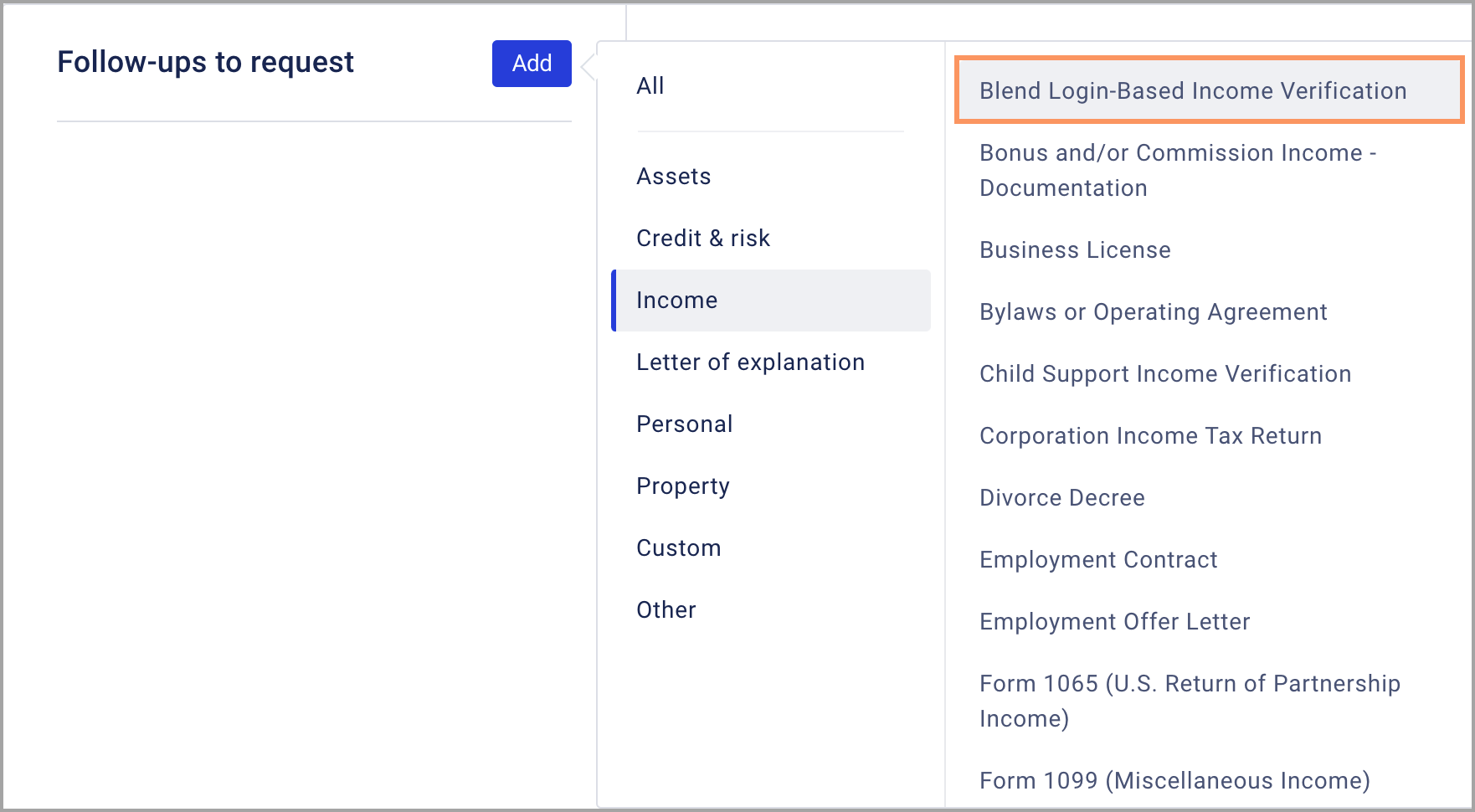
- Select which borrowers on the loan should receive the follow-up request then click Review request to proceed.

- Review the email and click Send request.
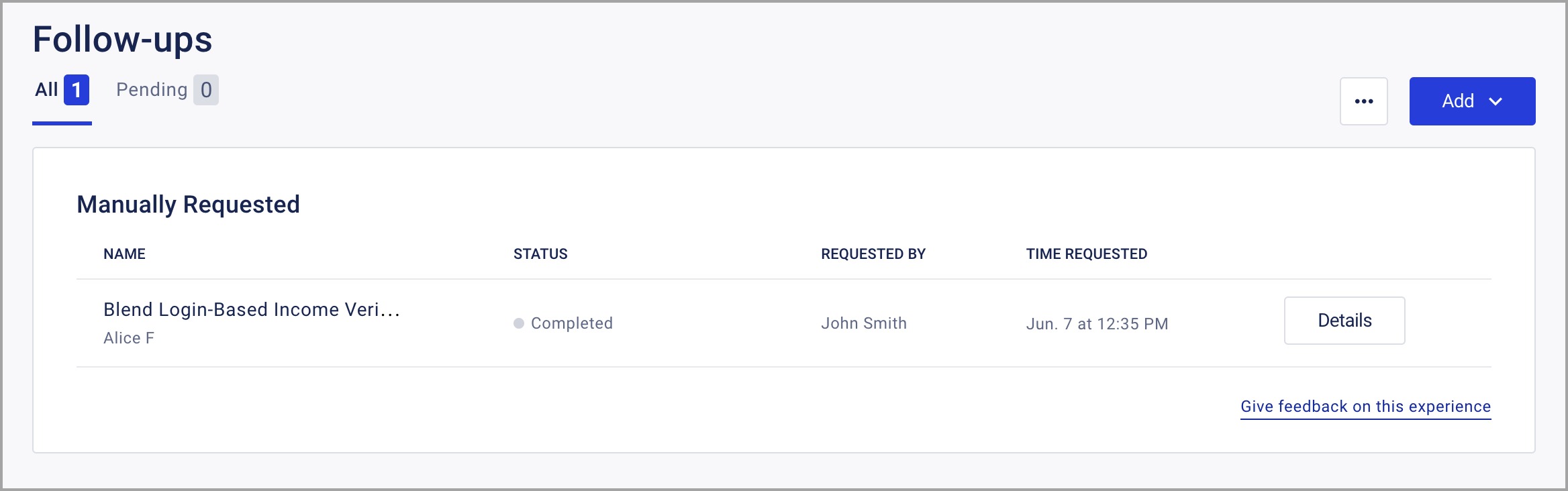
The follow-up and its status will be tracked in the Follow-ups tab.

Borrower experience with completing the VOIE Follow-up
After lenders request the Follow-up, borrowers will receive an email notification.
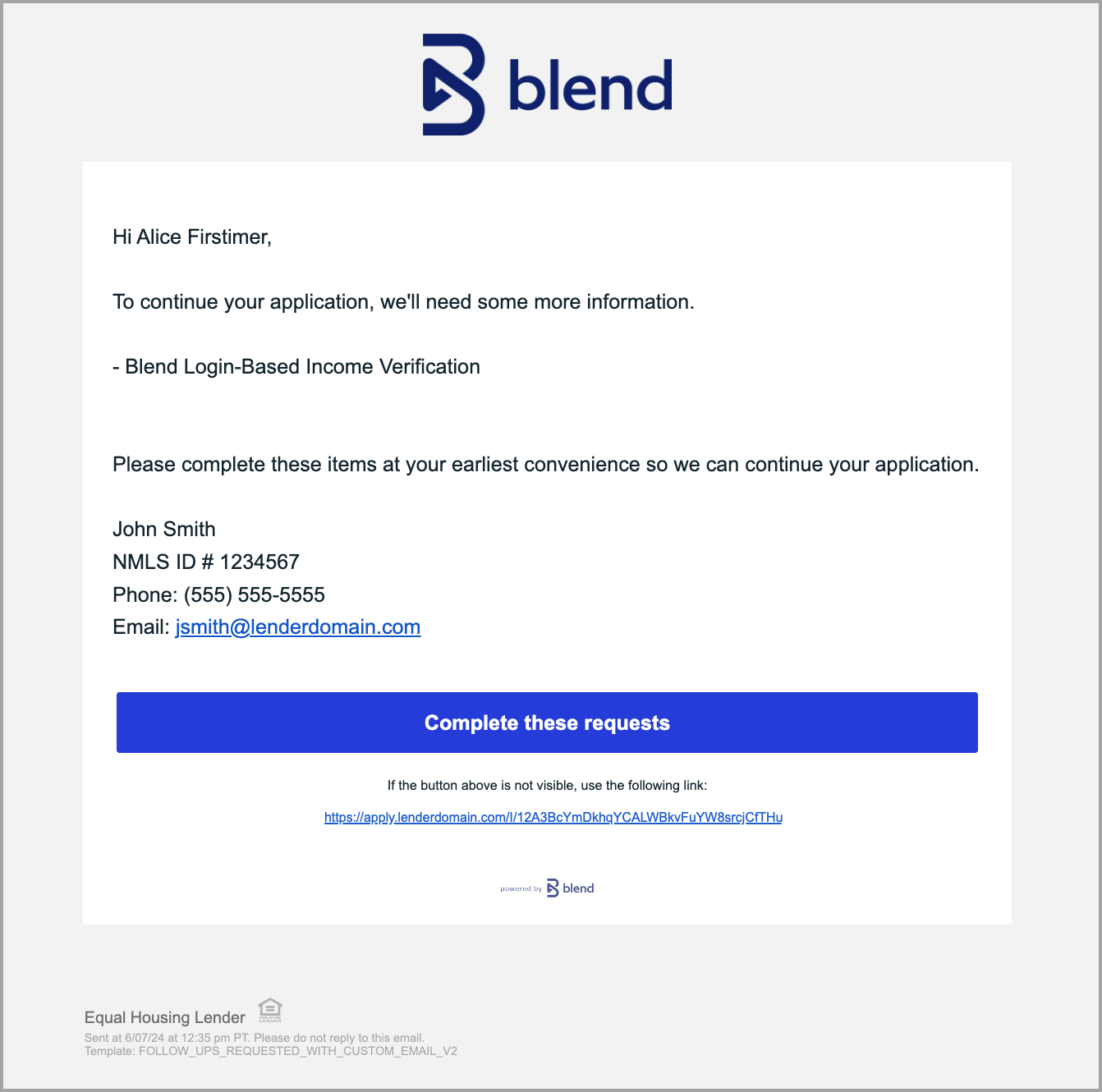
Borrowers will see an Income task in the borrower's portal. Borrowers should click Start this section to proceed.

On the next screen, borrowers will be asked how they want to provide income information. Clicking Connect your income information will open the Login-Based Provider search dialog.

Borrowers can use this search field to find their employer or payroll provider and proceed through the login process.
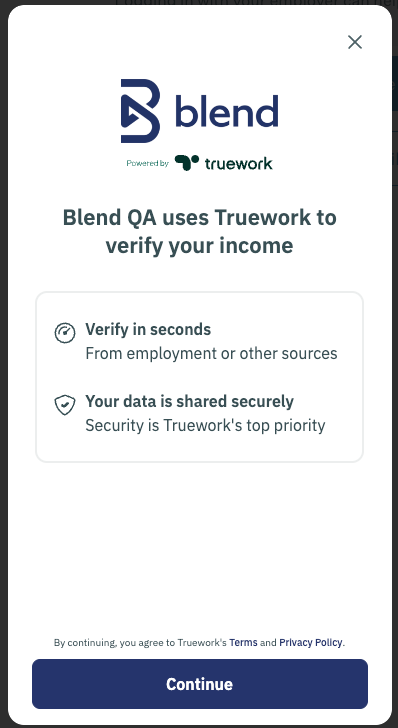
If borrowers choose to enter income information manually, or if they do not successfully log in, they will see a screen asking them to enter their information manually.

When the borrower completes the Income task, the Status in the Follow-ups tab in the lender application will change to Completed.
 Note: If the borrower clicks "I'd rather enter details manually" and wishes to connect to their employer, they can click Cancel in the Income form, then click Yes, add more income in the Do you currently receive income from any other sources? question. If they completed the task without connecting and they wish to connect to their employer, the loan team will need to request a new Follow-up.
W-2 and Paystubs with Blend Income
By default, W-2s and Paystubs follow-ups are not requested from borrowers when Blend Income returns a successful hit. However, loan teams may manually request W-2s and Paystub follow-ups if necessary.
 Note: Per Fannie Mae and Freddie Mac, lenders must correct the difference if lenders receive W-2s and Paystubs from borrowers and the income information differs from the verified documents.
Was this article helpful?
That’s Great!
Thank you for your feedback
Sorry! We couldn't be helpful
Thank you for your feedback
Feedback sent
We appreciate your effort and will try to fix the article